
If you’ve visited this site before, you’ve probably seen a cat looking at you from the hero section of the home page. If not, you can find it down below 😄
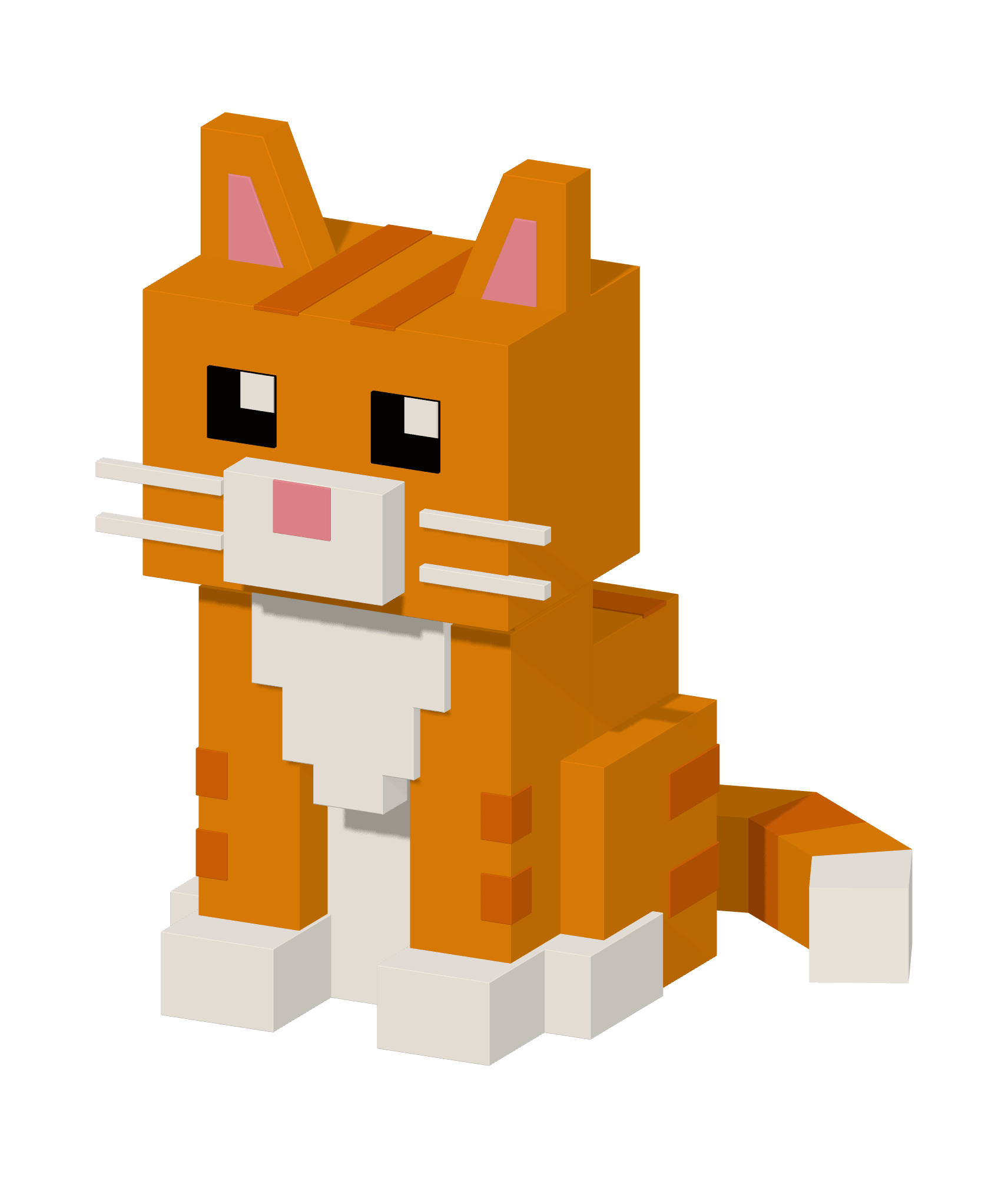
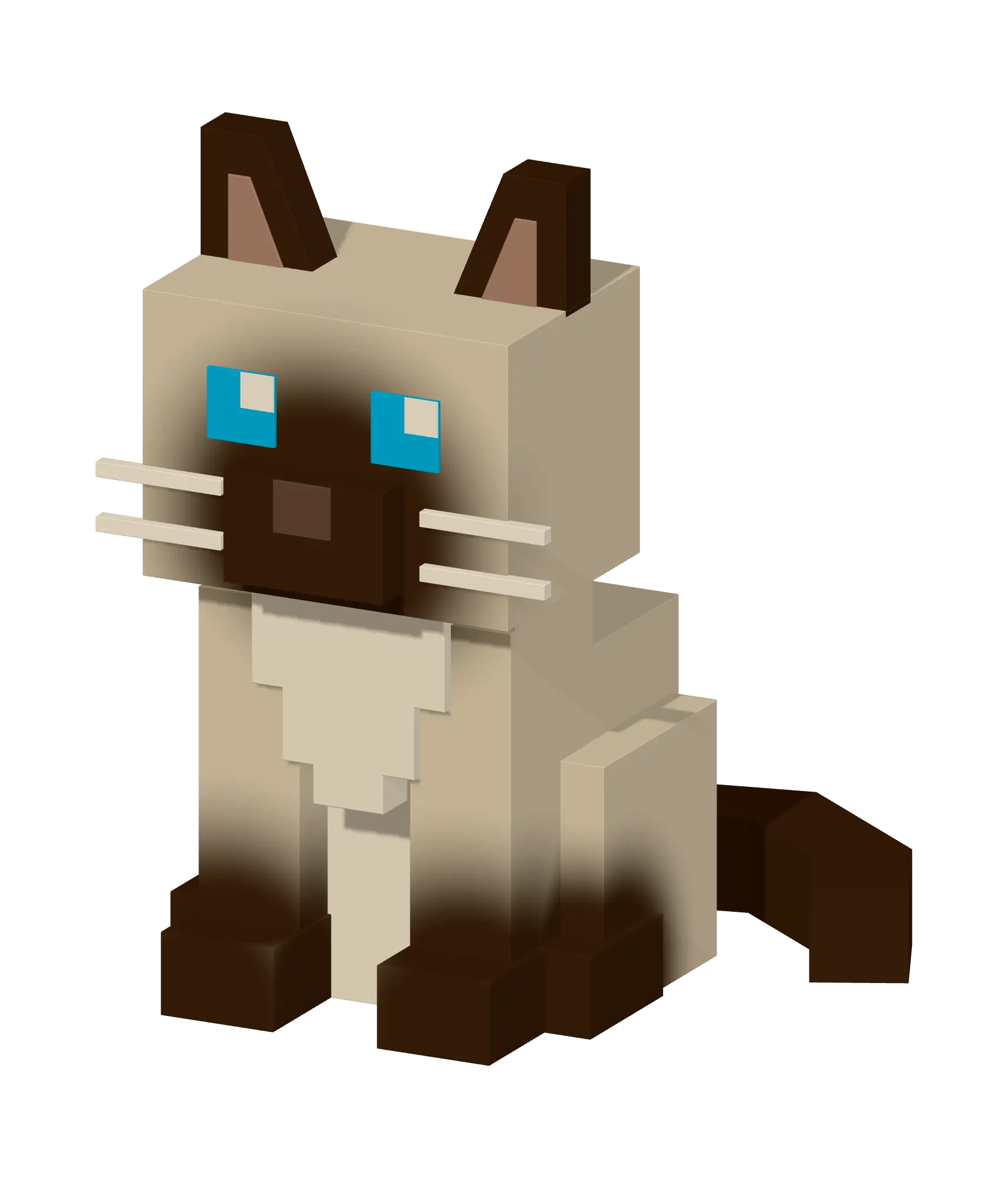
It has a few idle animations: breathing, occasional blinking, ear twitches and subtle head and tail movements. Move your cursor closer and it starts watching it, following it with its eyes and head.
The entire cat is built procedurally in Three.js. Its gestures are scheduled randomly, using Math.random(), so on every visit you see a slightly different sequence. The animations can also overlap with each other, which makes the cat feel a bit more alive.
The model is theme-aware. In light mode you see an orange cat with brown stripes and in dark mode, it becomes a cream-and-brown Siamese cat with blue eyes.
To be honest, I spent way too much time on this thing. And I ended up using AI quite heavily, which wasn’t my plan at the start.
But let me start from the beginning.
Idea and preparations
I had this idea of creating an animated 3D cat in a voxel-art, Minecraft-like style. There was some empty space in hero section that I wanted to fill in, but didn’t want to place just another static image there. I wanted something a little unusual that would make the site feel different from all the other developer portfolios out there.
I started by collecting references of animals made in a similar art style. Most of them I found on Sketchfab (opens in a new tab) .
Then I fed those references to GPT Sol and asked it to generate a 2D version of my ideal cat.
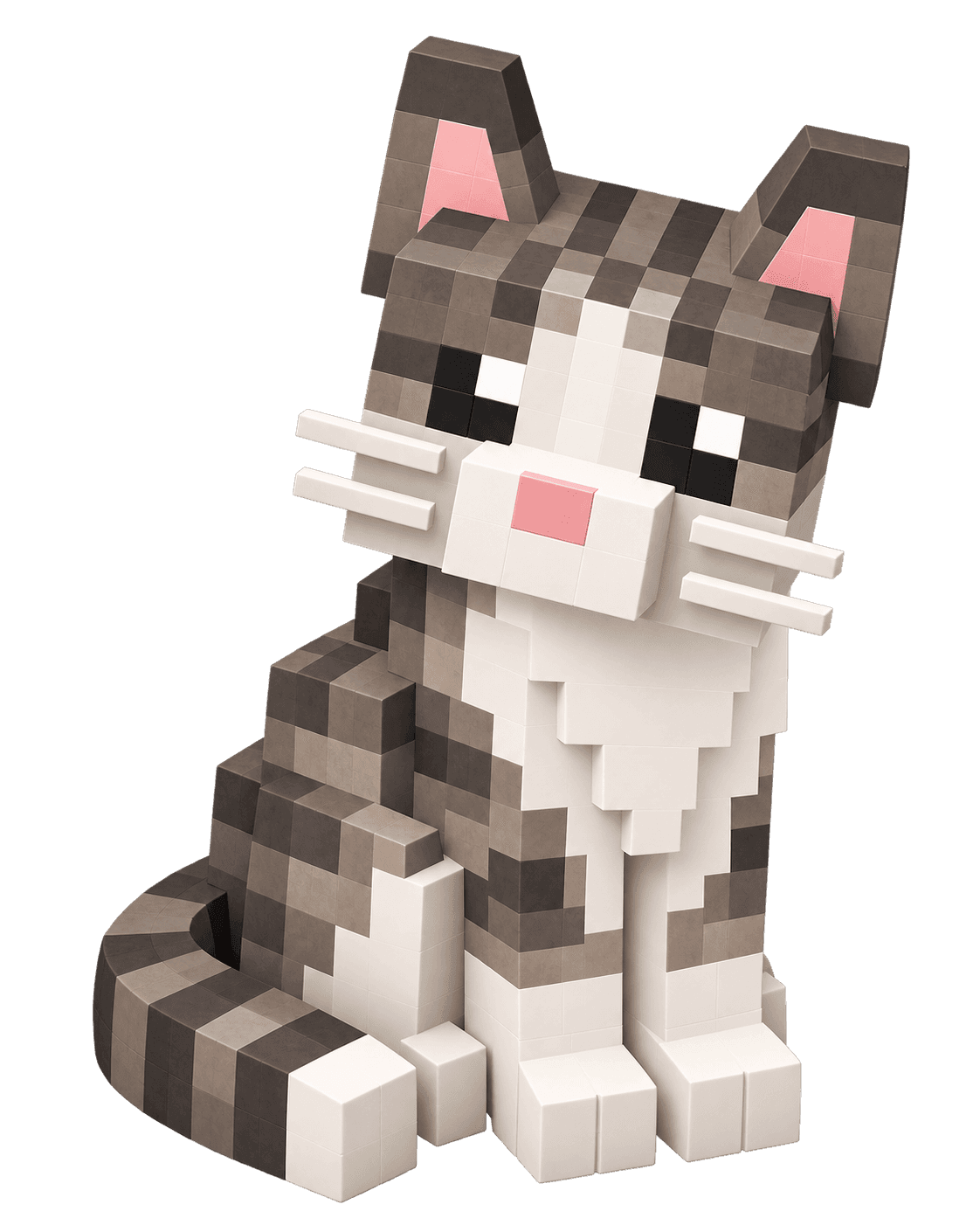
After many iterations and a few fresh starts in new contexts, I ended up with this reference, which I thought was good enough:

You can tell it’s AI-generated at a first glance. The paws aren’t symmetrical, there are some weird gaps pretending to be claws and the tail seems to be coming out of the leg. But that didn’t really matter, as long as the bigger parts came together nicely and the overall proportions were right.
Creating 3D model in Blender
If you’re a web developer who wants to deliver projects fully on your own, besides programming, skills like website design, UX or animations come in handy.
3D modelling and rigging are probably less useful, unless you want to build games or websites featuring more advanced 3D interactions.
I do have some ideas like that on my side projects list, so I figured a blocky cat model would be a good starting point, since it’s made of very simple shapes. So I installed Blender and got to work.
I spent about three weeks watching tutorials (yes, the donut one too 😄), moving cubes around, memorizing shortcuts and trying to figure out all the controls.
The result was absolute shit. I really am hopeless at art. I didn’t even make it past the modelling stage, which is arguably the easier part compared with rigging and animation.
Finally, I gave up. But I don’t consider this time completely wasted. At least Blender no longer looks like the cockpit of an alien spacecraft to me.
Ordering model from artist
After my attempt to build the cat myself failed, I decided to spend a little money and hire a professional 3D artist. I found three people on Fiverr whose portfolios had a similar style to what I was looking for. I sent them the description and the orange-cat reference and asked for quotes. The prices ranged from $50 to $200. I chose the cheapest offer and we started working together.
After a few rounds of corrections, this was the final result:
With a bigger budget, the artist would spent more time polishing the model and probably delivered something better. But I didn’t want to invest too much money into it, as it was my personal project and I treated it more like an experiment.
I put it on the home page, added following cursor animation, but I wasn’t ready to call it a day yet. I was curious to see how would our latest technological marvel, LLMs, would perform on the same task.
Harnessing AI to generate a model
My setup was fairly simple. I already had Claude Pro and ChatGPT Plus subscriptions, so I started looking into Blender MCP servers.
They are two popular options: the official Blender MCP server (opens in a new tab) and a community solution (opens in a new tab) . I tried both and for this particular task, I slightly preferred the official server. It gave the agent better scene/object inspection, file diagnostics and better CLI tooling.
The downside was no telemetry controls and no third-party integrations for Sketchfab, Poly Haven or Hyper3D/Hunyuan3D comparing with the community one. Setup time and complexity were very similar for both.
My first attempts were far from ideal. Here are a few examples:
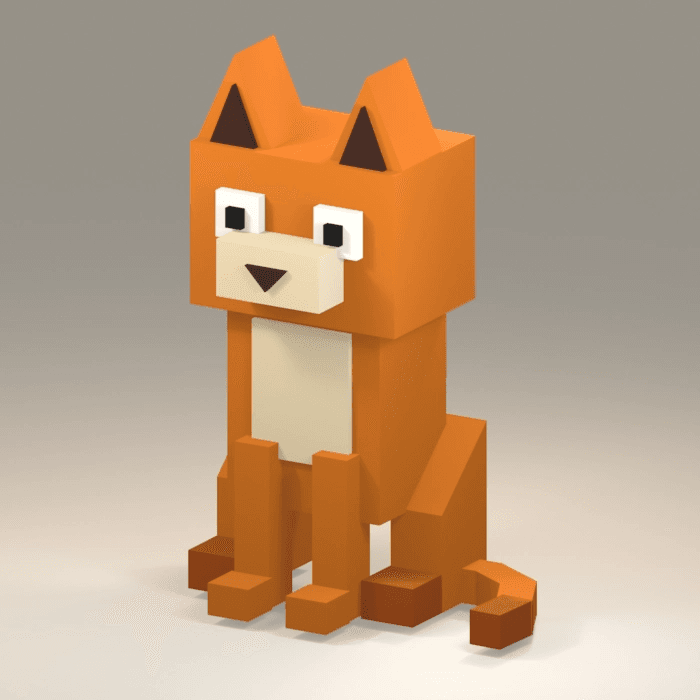
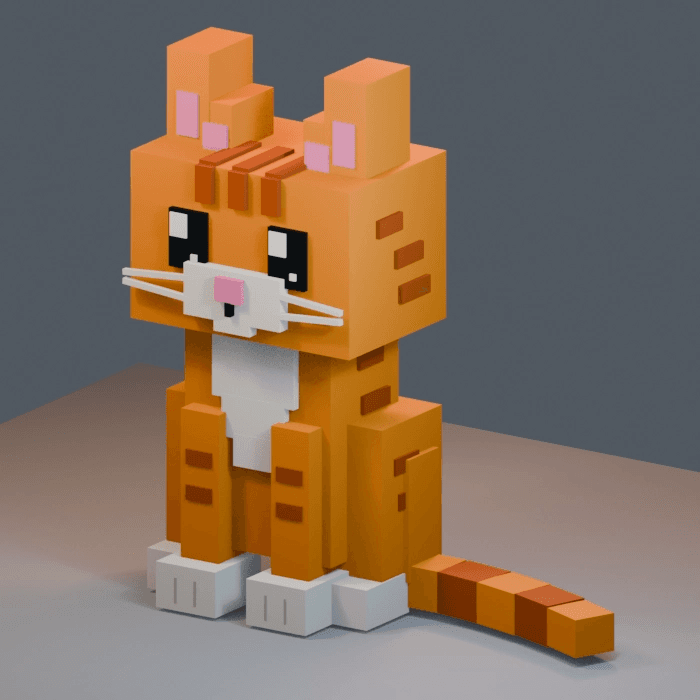
The LLM seemed to struggle especially with the brown stripes, so I simplified the reference.
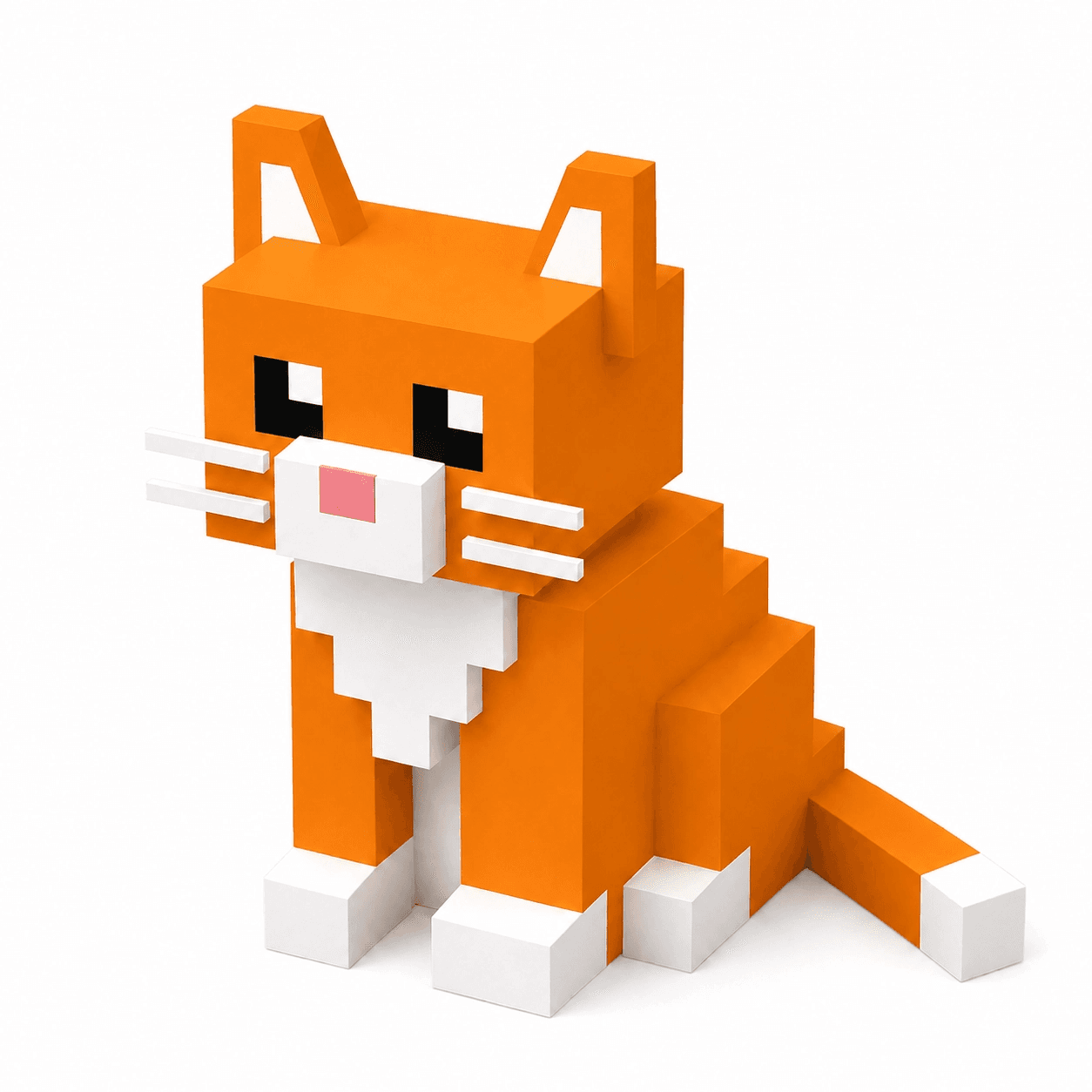
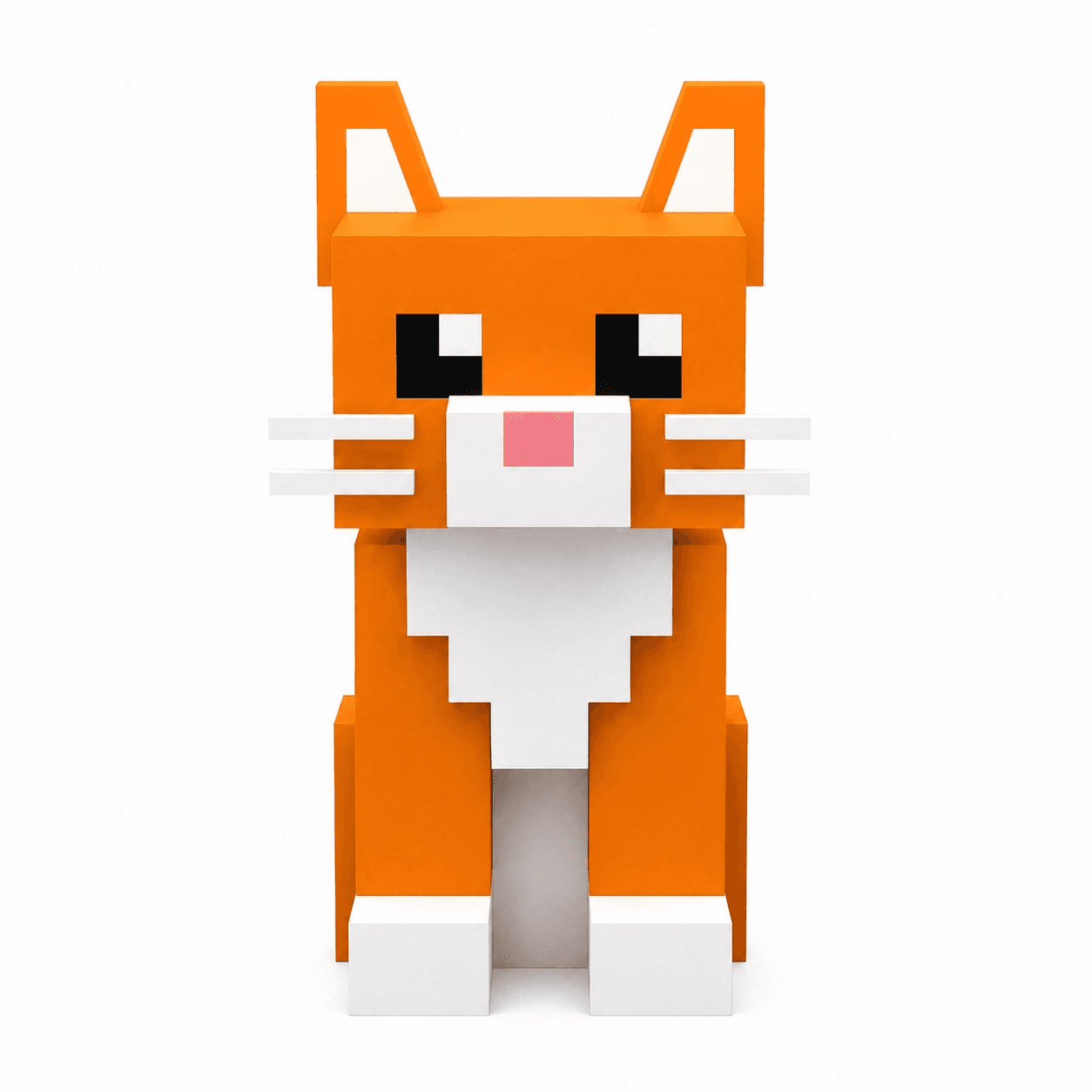
That should be easier to generate, right? Right??

Not quite 😄 The generated models still had too many unnecessary elements and some pretty major structural problems. I tried iterating on them with the LLM, of course. But when it fixed one thing, it broke another. My current workflow was not efficient and the base of generated models was far from ideal.
I figured, the prompt and references weren’t enough. I also needed a better harness for AI: the workflow, iteration loop and feedback loop.
img2threejs
I started by researching existing solutions. I came across img2threejs (opens in a new tab) , and it looked almost exactly like what I needed. It’s an open-source image-to-3D reconstruction system for Three.js. From the docs:
You give it one reference image of an object. It produces a
THREE.Groupfactory written in TypeScript that recreates that object from primitives, procedural shaders, and generated geometry — with a runtime hierarchy (pivots, sockets, colliders) so the result is ready to animate, not an inert lump.
So it doesn’t generate a .glb model on output, but I was going to use Three.js and import the model there anyway. This approach was also more flexible in terms of managing it from the code level.
GPT Astra had launched just a day earlier and was presented as being particularly good at 3D modelling, so I decided to give it a try.
The first reconstruction consumed my entire context window and got interrupted close to the end. I waited five hours for the limit to reset and tried again, this time using a multi-session reconstruction workflow, just in case, so I could resume from where it finished last.
This time it finished without interruptions and this was the result:

I also asked the AI to build a small GUI with controls for individual parts of the cat’s body. After adjusting some values manually and iterating with agent on others, I finally got something I was happy with:

I actually liked this version more than the model made by artist. So I kept going with this approach and added idle animations, cursor-following interaction and experimented with a few different cat’s coats.
Because the model was represented directly in code, it was much easier to inspect, tweak and iterate on individual parts.
You can check the source code here (opens in a new tab) . But watch out. The code is kinda AI slop. I definitely wouldn’t use it as a good example of how Three.js projects should be built, but the goal was different here. It isn’t a core feature of the website, rather a decorative detail and a prototype. I just wanted it to look good enough and be relatively maintainable.
When I first started working on this, I didn’t think that’s where I would end. I didn’t place many bets on AI, but once I found the right tool for the job, it worked surprisingly well. I think the biggest differences were the stronger model and better constraints around it.
Let me know what you think about the final effect - do you like it?